01
Native Audio-Visual Output
Generate video and sound together so dialogue, lip movement, expression, and timing can align more naturally.
Create native audio videos, multi-shot narratives, image-to-video scenes, and consistent character outputs with a Kling O3 workflow inspired by Kling 3.0.
Precise image editing with SeeDream V4 - clothing, makeup, background replacement, etc.
Tip: Be detailed and specific for better results. Describe the subject, style, lighting, mood, and composition.
Generation count
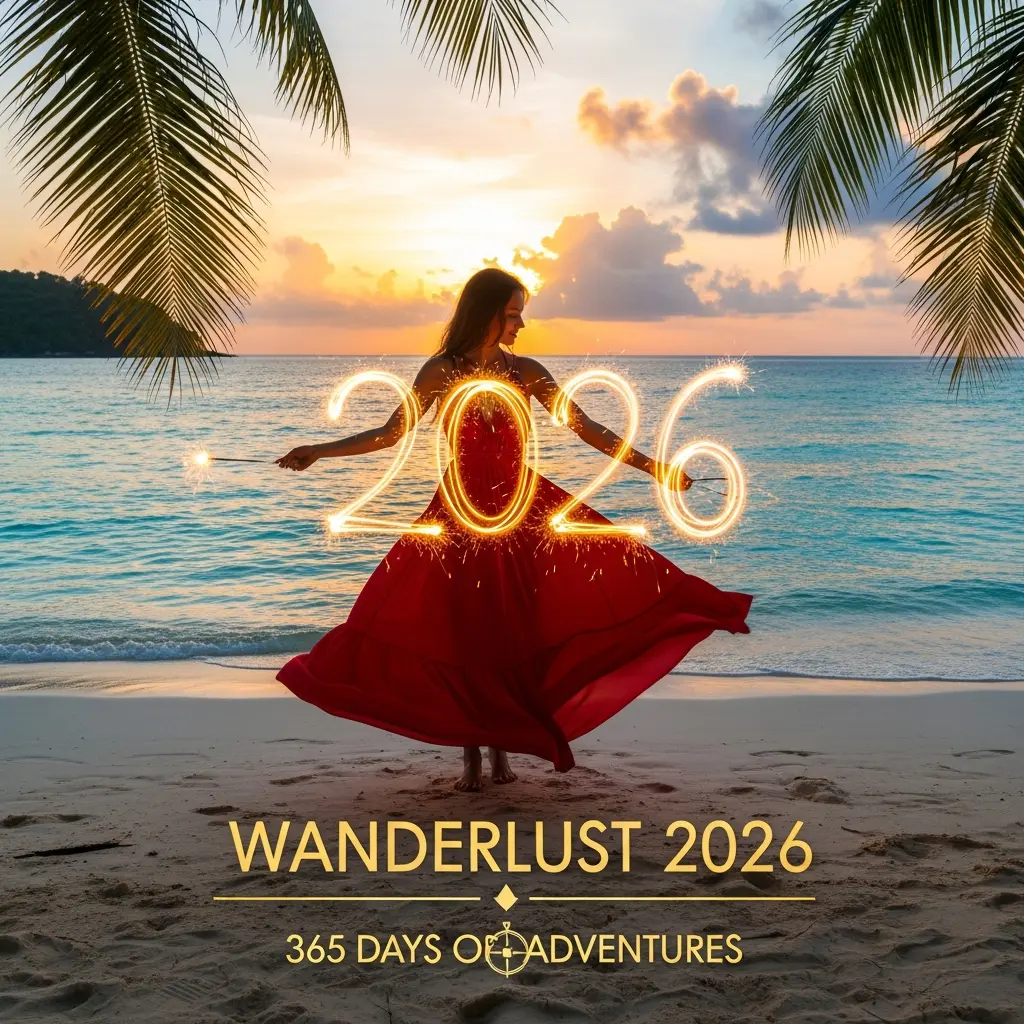
Example Gallery
See what you can create with image edit
Showcase videos are AI-generated or AI-enhanced synthetic media and do not depict real people or real events. They are presented to demonstrate possible creative workflows, visual direction, timing, and output variety for users evaluating the service before starting production work online today. For planning, review, comparison, and collaboration.
Kling 3.0 is presented by Kling AI, and Kling O3 explains it as an upgrade focused on native audio-visual output, enhanced element consistency, multi-shot story control, multilingual dialogue, and longer generation.
Overview
A native multimodal upgrade for AI video
Generate video and sound together so dialogue, lip movement, expression, and timing can align more naturally.
Use automatic or custom shot planning to describe coverage, camera movement, framing, and scene transitions.
Reference characters, products, or other subjects so core visual traits remain more stable across the clip.
Better control for scenes that need sound and continuity
Featured
Better control for scenes that need sound and continuity
Better control for scenes that need sound and continuity
Better control for scenes that need sound and continuity
Better control for scenes that need sound and continuity
Better control for scenes that need sound and continuity
A simple workflow for native audio and multi-shot generation
Step 1
Describe characters, location, action, spoken lines, language, tone, accent, camera style, and the emotional beat of the scene.
Step 2
Upload a start frame, character image, product reference, or element set when you want stronger subject consistency across the output.
Step 3
Use Multi-Shot for automatic shot planning or Custom Multi-Shot to define each shot, camera angle, duration, and transition more precisely.
Step 4
Select a practical duration between 3 and 15 seconds, then generate, preview, refine the prompt, and export the finished video asset.
Native Audio, Consistency, and Longer Narratives
Based on the public Kling 3.0 guide, Kling O3 focuses on richer multimodal video creation: text-to-video, image-to-video, start and end frames, native audio, multi-shot scenes, and consistent subjects.
Capability Overview
Describe a scene once and guide shot transitions, camera angles, coverage, dialogue rhythm, and cinematic pacing for more complete narrative videos.
Use image references to help keep characters, objects, wardrobe, and key scene elements stable as the camera moves and the story develops.
Create videos with synchronized speech, character-specific dialogue, Chinese, English, Japanese, Korean, and Spanish support, plus dialects and accents.
Generate longer continuous clips with room for action, reactions, camera movement, and scene progression without assembling many short fragments.
Create videos that need sound, story structure, consistent subjects, and flexible duration.
Details
Plan shot-reverse-shot dialogue, close-ups, wide shots, voice-over, and scene transitions in one structured prompt.
Best For
Creative teams that need fast, flexible visual output.
Experience
Interactive switching and large previews make every scenario clearer.
Details
Generate character dialogue with synchronized speech, facial expression, language selection, and accent direction.
Best For
Creative teams that need fast, flexible visual output.
Experience
Interactive switching and large previews make every scenario clearer.
Details
Use character, product, or scene references to keep important elements stable across motion and camera changes.
Best For
Creative teams that need fast, flexible visual output.
Experience
Interactive switching and large previews make every scenario clearer.
Details
Create 3 to 15 second clips with room for action, reaction, camera movement, and a clearer narrative arc.
Best For
Creative teams that need fast, flexible visual output.
Experience
Interactive switching and large previews make every scenario clearer.
Compared with earlier Kling VIDEO workflows
The public guide describes VIDEO 3.0 as adding multi-shot generation, start frame plus element reference, stronger multi-character coreference, multilingual support, dialects and accents, and flexible 15 second output.
Metric 01
Kling VIDEO 3.0
Supported
Earlier Kling VIDEO
Supported
Metric 02
Kling VIDEO 3.0
Supported
Earlier Kling VIDEO
Supported
Metric 03
Kling VIDEO 3.0
Supported
Earlier Kling VIDEO
Not listed
Metric 04
Kling VIDEO 3.0
Start frame plus reference
Earlier Kling VIDEO
Not listed
Metric 05
Kling VIDEO 3.0
Chinese, English, Japanese, Korean, Spanish
Earlier Kling VIDEO
Not listed
Metric 06
Kling VIDEO 3.0
3 to 15 seconds
Earlier Kling VIDEO
Shorter fixed outputs
Quick answers about native audio, multi-shot generation, element reference, languages, duration, and pricing.
FAQ
Quick answers about native audio, multi-shot generation, element reference, languages, duration, and pricing.
Getting Started
Learn how to create Kling O3 outputs inspired by Kling 3.0 from prompts, images, and references.
Kling 3.0 Features
Understand multi-shot narratives, native audio, multilingual speech, and 15 second output.
Technical and Policy
Review duration, resolution, usage units, storage, safety, and independent service status.
Coverage
Setup, quality, technical details, and usage policies.
Question
Kling 3.0 is described by Kling AI as a next-generation video model series with native audio, multi-shot narratives, element consistency, multilingual speech, and flexible 3 to 15 second generation.
Question
Kling O3 helps creators use Kling 3.0 inspired workflows, including text-to-video, image-to-video, storyboard scenes, character dialogue, product clips, ads, and explainers.
Question
Yes. VIDEO 3.0 includes native audio output for dialogue and sound, with stronger character referencing so the right speaker can be matched to the right lines in multi-character scenes.
Question
Multi-Shot generation lets the workflow plan or follow multiple shots in a single prompt, including close-ups, wide shots, point-of-view shots, reverse shots, and custom shot durations.
Question
Yes. A Custom Multi-Shot prompt can describe each shot, its angle, framing, movement, and duration so the generated result follows a more intentional storyboard.
Question
Element Reference helps bind a character, object, or scene detail from uploaded images or videos so key subjects remain more consistent across camera movement and scene changes.
Question
The public VIDEO 3.0 guide lists Chinese, English, Japanese, Korean, and Spanish, with support for mixed-language performances, dialects, and accents such as Cantonese, Sichuanese, American, British, and Indian English.
Question
The guide describes flexible duration from 3 to 15 seconds, allowing longer action sequences, dialogue exchanges, and scene progression in one generation.
Question
VIDEO 3.0 is described as having stronger native-level text output, helping preserve signs, captions, logos, product lettering, and newly generated text in structured layouts.
Question
Usage can vary by mode, resolution, duration, and voice tone control. Usage units are consumed per task, are not a form of currency, have no cash value, and are not transferable.
Question
No. Kling O3 is an independent AI service and is not affiliated with any model provider. The page summarizes publicly available Kling 3.0 concepts while the service provides a separate web workflow.
Question
Generated videos may be stored temporarily for preview, download, account history, abuse prevention, and reliability. Retention may vary by plan and system requirements.
Question
No. Prompts and uploads must follow safety rules, including restrictions on explicit sexual content, graphic violence, illegal activity, deception, and rights-infringing generation.
Question
Native audio, readable text, element consistency, and longer 15 second outputs make it useful for product ads, explainers, social clips, app demos, and campaign videos.
Question
Kling O3 is an independent AI service and is not affiliated with any model provider. We provide a web workflow, prompt interface, storage, billing, and delivery tools for AI video generation.
Question
The service provides access workflows for available AI video generation models and related infrastructure. We do not claim to own, develop, or train those models. Where open-source components are used in the service layer, their applicable licenses are respected.
Question
No. User prompts, uploads, and generated videos are processed to provide the requested service, improve account reliability, and support abuse prevention. We do not use private creative content to train models without permission.
Question
Generated videos may be stored for a limited time so you can preview, download, and manage creations. Retention can vary by plan, account status, and infrastructure needs, and expired files may be removed from storage.
Question
The platform uses content safeguards to reduce harmful, illegal, deceptive, or rights-infringing video generation. Prompts and uploads must follow our Terms of Service, Acceptable Use Policy, and Content Moderation Policy.
Question
The platform does not allow adult sexual content, explicit nudity, graphic violence, or other unsafe video requests. Attempts to create prohibited content may be filtered automatically.
Question
If a generation request fails because of a platform or provider error, related usage units may be returned automatically. Usage units are not a form of currency, have no cash value, and are not transferable.
Start a Kling O3 native audio video workflow with multi-shot prompts, element references, multilingual dialogue, and flexible 3 to 15 second output.
Trust Signal
Independent service for practical AI video creation
Kling 3.0 gives AI video creation a stronger structure for sound, shots, references, and duration.
Updates
Get workflow notes, prompt ideas, feature summaries, and examples for native audio, multi-shot scenes, and element consistency.
Next Step
Open the generator and turn a prompt into a structured video scene.
Quick Snapshot
Test prompts, storyboards, dialogue, references, and duration choices in a focused AI video workflow.
Combine speech, camera coverage, subject consistency, and longer output for more complete short-form videos.
Kling O3 provides a separate service layer for AI video workflows and is not affiliated with any model provider.
Kling 3.0 is a video generation workflow focused on native audio, multi-shot control, element reference, multilingual dialogue, and flexible 3 to 15 second output. Kling O3 provides an independent web workflow for creators to plan, generate, preview, and manage AI video outputs inspired by these capabilities.
Kling O3 is an independent AI video workflow service and is not affiliated with Kling AI or any model provider.